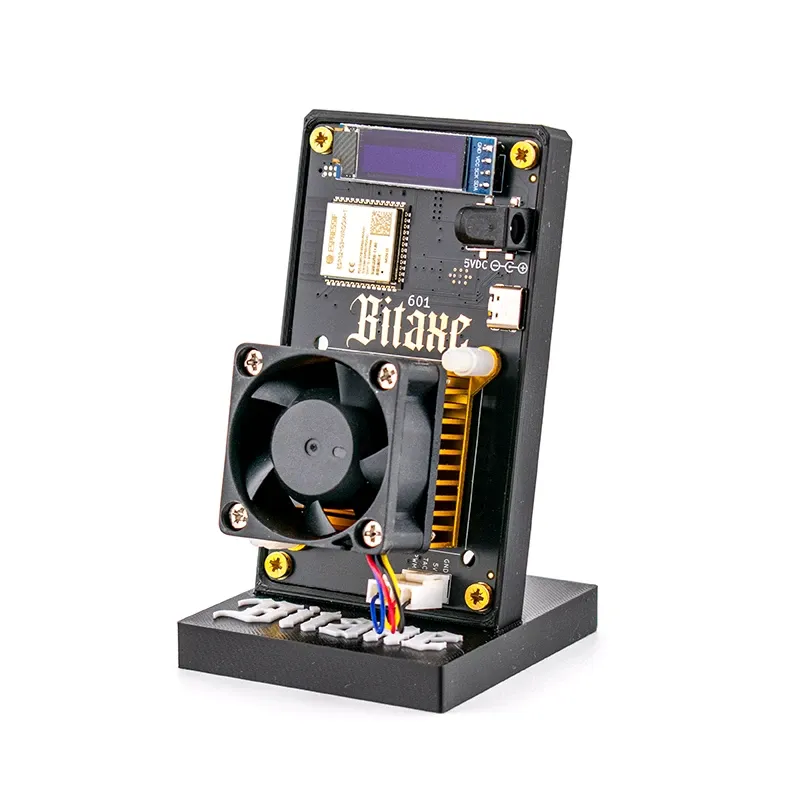
Flash a Bitaxe & NerdQaxe – right in your browser

A free AxeOS web flasher for Bitaxe, NerdQaxe, NerdOctaxe and Nerdaxe. The firmware comes live from the official GitHub releases and you pick the version yourself – no download, no drivers, no terminal. Plug the miner in over USB, choose your device, flash.

⚡ Always current from GitHub 🎛️ Any version you like 🔌 Over USB in the browser 🆓 Free, no account
Your browser does not support Web Serial. To flash you need Chrome, Edge or Opera on desktop – Firefox and Safari cannot do it, and neither can phones. Just open this page there instead.

1Choose your device

We automatically load the right firmware variant for your board.

Pick a different device or board manually

All variants from the current release. You will find the board name in AxeOS under Settings → Device Model or printed on the board.

2Choose a version & flash

No device selected yet
Connect the miner to your computer over USB-C, click Install firmware and pick the serial port in the browser dialog (usually “USB JTAG/serial debug unit” or “CP210x”). It takes 1–2 minutes – do not disconnect the device while it runs.
Important: only flash the firmware that belongs to your model – the wrong variant can leave the device unusable. If in doubt, check your model in AxeOS under Settings → Device Model. Factory images reset the configuration: you will have to enter pool and Bitcoin address again afterwards.

Which devices are supported?

The flasher supports every ESP32-S3 based open-source miner in the Bitaxe and Nerd families. The firmware comes from two official projects: ESP-Miner for Bitaxe devices and ESP-Miner-NerdQAxePlus for NerdQaxe, NerdOctaxe and Nerdaxe.

Devices, firmware project and board identifier in the filename
DeviceHashrateFirmware projectBoard identifier
Bitaxe Gamma 601~1.3 TH/sESP-Minerfactory-601
Bitaxe Copperzilla~1.3 TH/sESP-Minerfactory-601
Bitaxe GT 801~2.15 TH/sESP-Minerfactory-801
Bitaxe Supra Hex 702~4.2 TH/sESP-Minerfactory-702
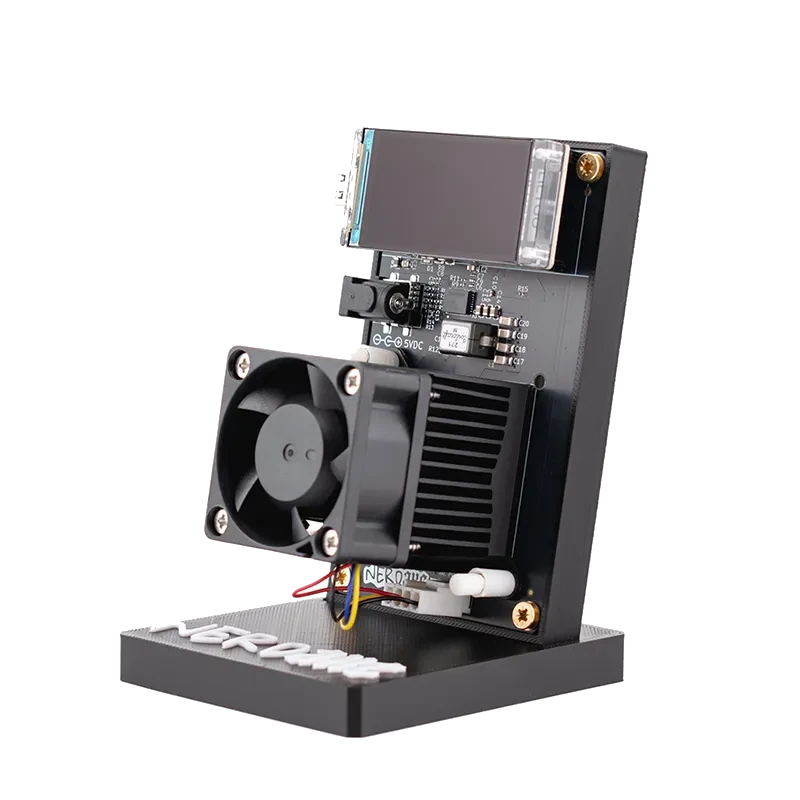
Nerdaxe Gamma~1.3 TH/sESP-Miner-NerdQAxePlusNerdAxeGamma
NerdQaxe ++~4.8 TH/sESP-Miner-NerdQAxePlusNerdQAxe++
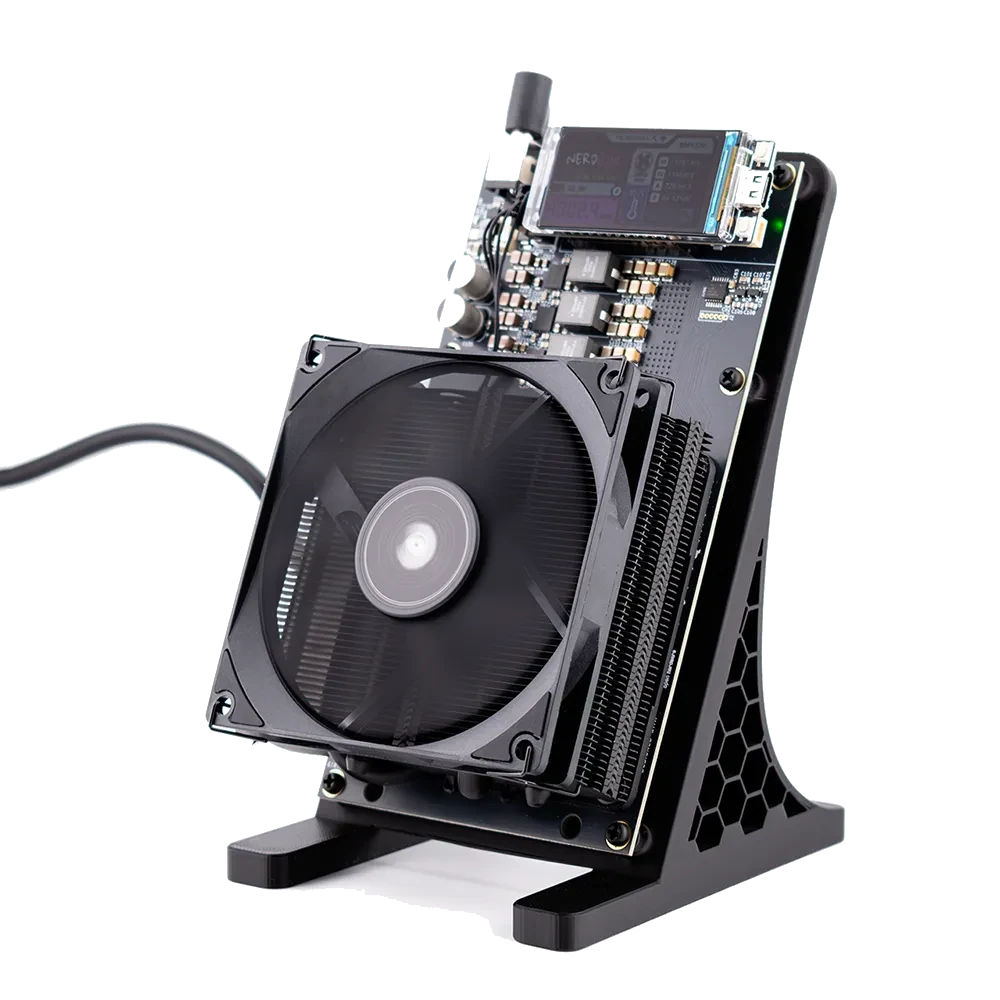
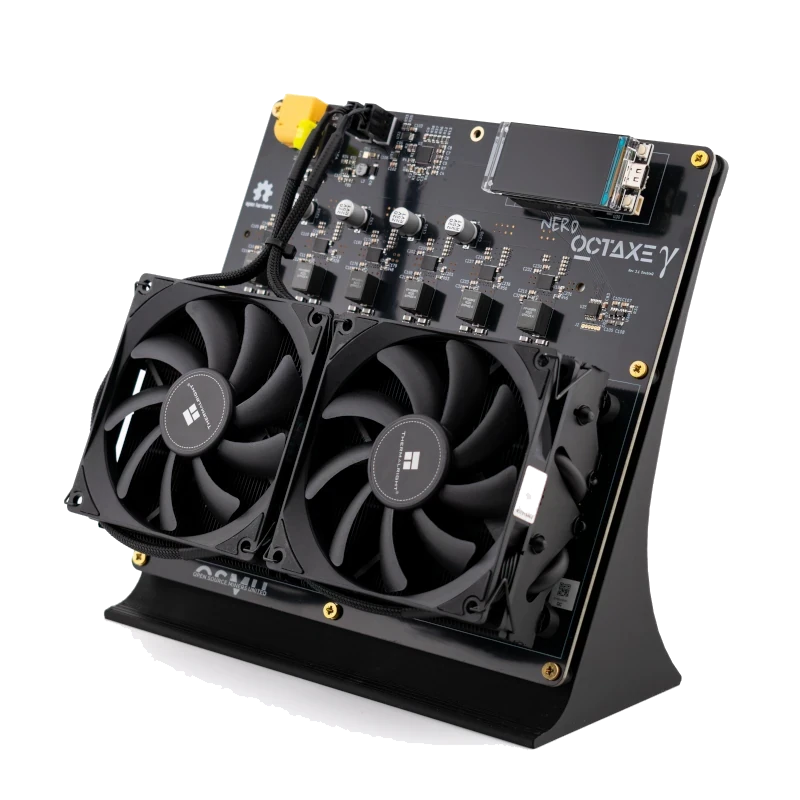
NerdOctaxe~12 TH/sESP-Miner-NerdQAxePlusNerdOCTAXE-Gamma
NerdOctaxe Hydro~14 TH/sESP-Miner-NerdQAxePlusNerdOCTAXE-Gamma
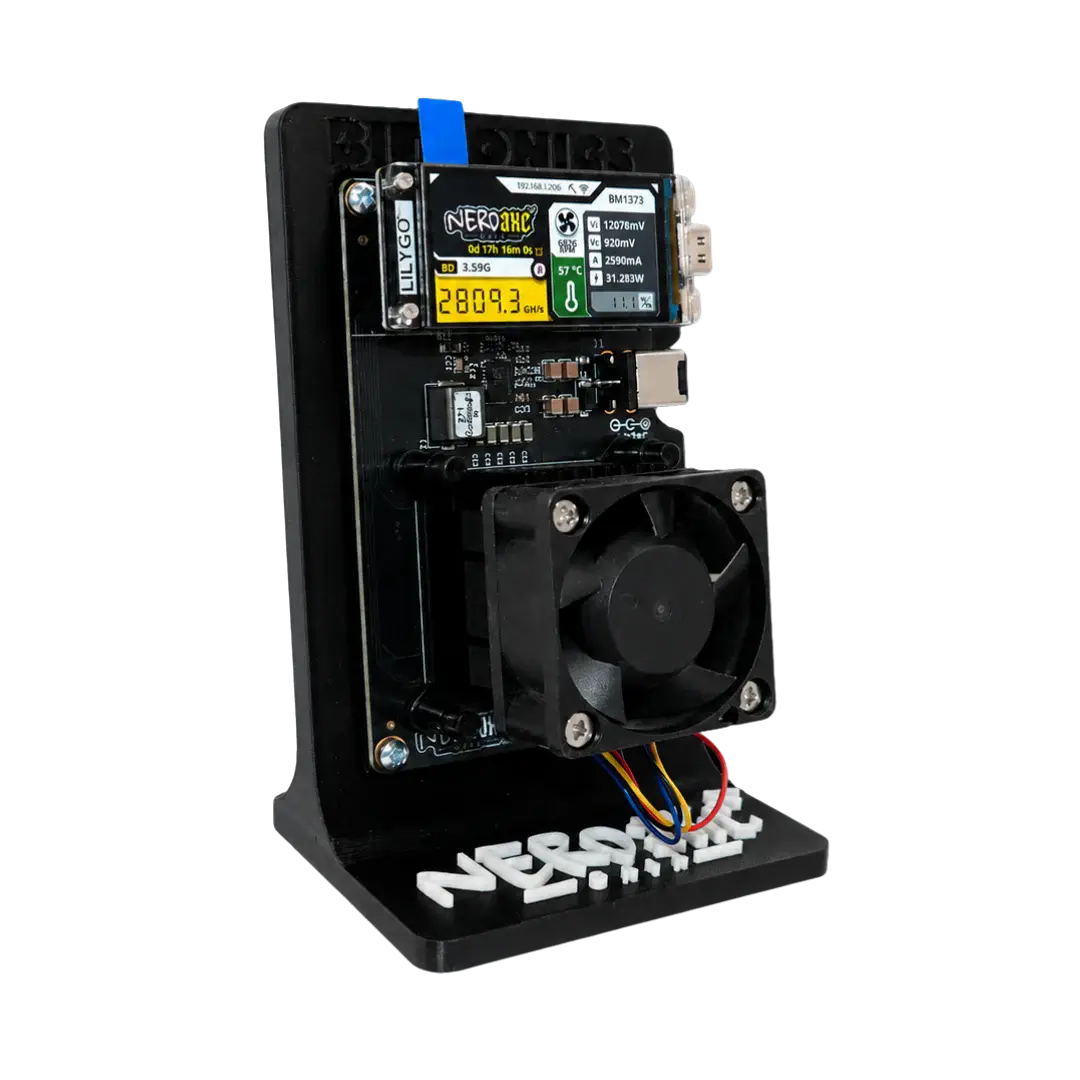
Nerdaxe Gaia (BM1373)~2.6 TH/sESP-Miner-NerdQAxePluscoming

Devices with their own closed firmware are not supported – the Avalon Nano 3S, for example. Using the manual board selector you can additionally flash every other variant of both projects (e.g. Bitaxe Ultra and Supra, NerdEKO, NerdQX).

Flashing a Bitaxe – step by step

  1. Connect the miner to your computer over USB-C (Chrome, Edge or Opera on desktop).
  2. Choose your device above – the matching firmware is determined automatically.
  3. Pick a version – the latest stable firmware is always preselected.
  4. Click Install firmware and confirm the serial port.
  5. Wait until “Installation complete” appears (1–2 minutes), then restart the device.
  6. Enter pool and Bitcoin address in AxeOS again – here is the full setup guide.

Why keep the firmware up to date?

The open AxeOS firmware is under constant development. New releases bring better efficiency (J/TH), more stable pool connections, bug fixes and occasionally new dashboard features. With solo mining in particular, every hour without a dropped connection counts – so an update is usually the easiest improvement you can make to your miner.

The web flasher writes a factory image. Unlike the update inside the AxeOS dashboard it rewrites the whole system – ideal when a device no longer boots reliably, when you need an older version, or when a dashboard update failed. If you only want to move up one version, the dashboard does the job just as well; if you want to revive a device or set one specific version, you are in the right place.

Frequently asked questions about firmware updates

How do I flash a Bitaxe?

Connect the Bitaxe to a computer over USB-C, open this page in Chrome, Edge or Opera, pick your model and the version and click “Install firmware”. After 1–2 minutes the new AxeOS firmware is installed; then you enter pool and Bitcoin address again.

Can I choose a specific or older version?

Yes. The dropdown lists every available release of the respective project – the latest stable version is always preselected. Beta and RC versions can be shown with a checkbox, so a downgrade to an older version is possible too.

Where does the firmware come from?

Straight from the official GitHub releases of bitaxeorg/ESP-Miner (Bitaxe) and shufps/ESP-Miner-NerdQAxePlus (NerdQaxe, NerdOctaxe, Nerdaxe). We do not modify the images – the page reads the release list live through the GitHub API and therefore always shows the current state.

Is it safe?

Flashing runs locally in your browser through the Web Serial interface. No software is installed, you need no account, and we store no data about you. The firmware is passed through from GitHub unmodified and only cached.

Which browser do I need?

Chrome, Edge or Opera on desktop (Windows, macOS, Linux). Firefox and Safari do not support the required Web Serial API – and flashing does not work on phones at all.

Will I lose my settings?

Yes. Factory images contain the whole system and reset the configuration. Note down your pool address and your Bitcoin address beforehand so you can enter them again quickly.

What if no serial port appears?

Use a different USB-C cable (many charging cables carry no data), plug directly into the computer instead of a hub, and restart the miner. On Windows a CP210x or CH340 driver may be required, depending on the USB chip fitted.

Can I flash a NerdQaxe or NerdOctaxe with this too?

Yes. NerdQaxe ++, NerdOctaxe, NerdOctaxe Hydro and Nerdaxe Gamma are supported as well – they use the firmware from the ESP-Miner-NerdQAxePlus project. For the Nerdaxe Gaia (BM1373) the firmware appears automatically as soon as it is released.

No miner yet?

Bitaxe, NerdQaxe and more – shipped within 24 hours from Europe, with setup help included.

View miners →