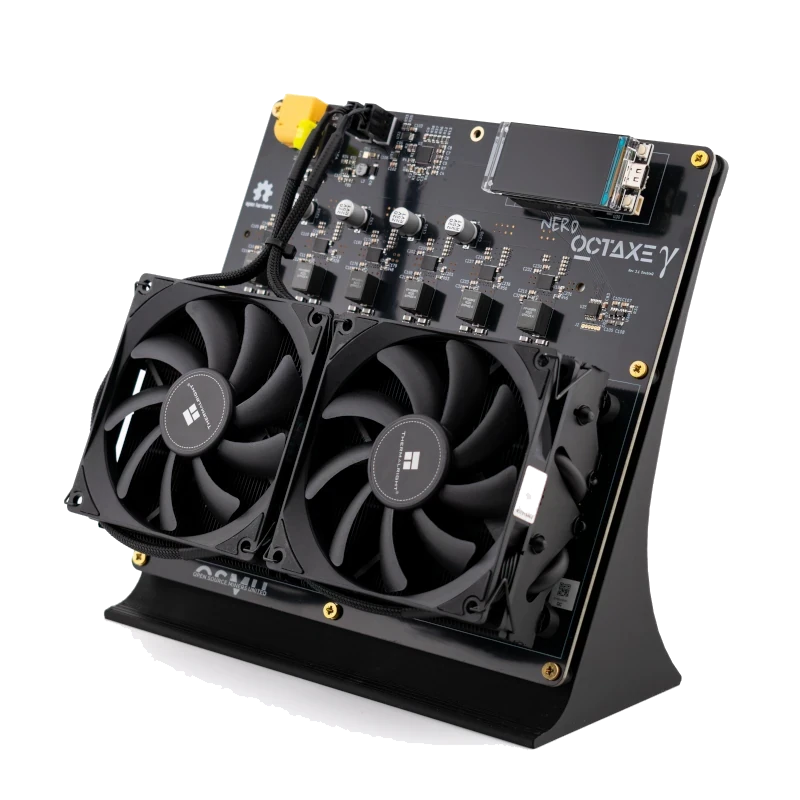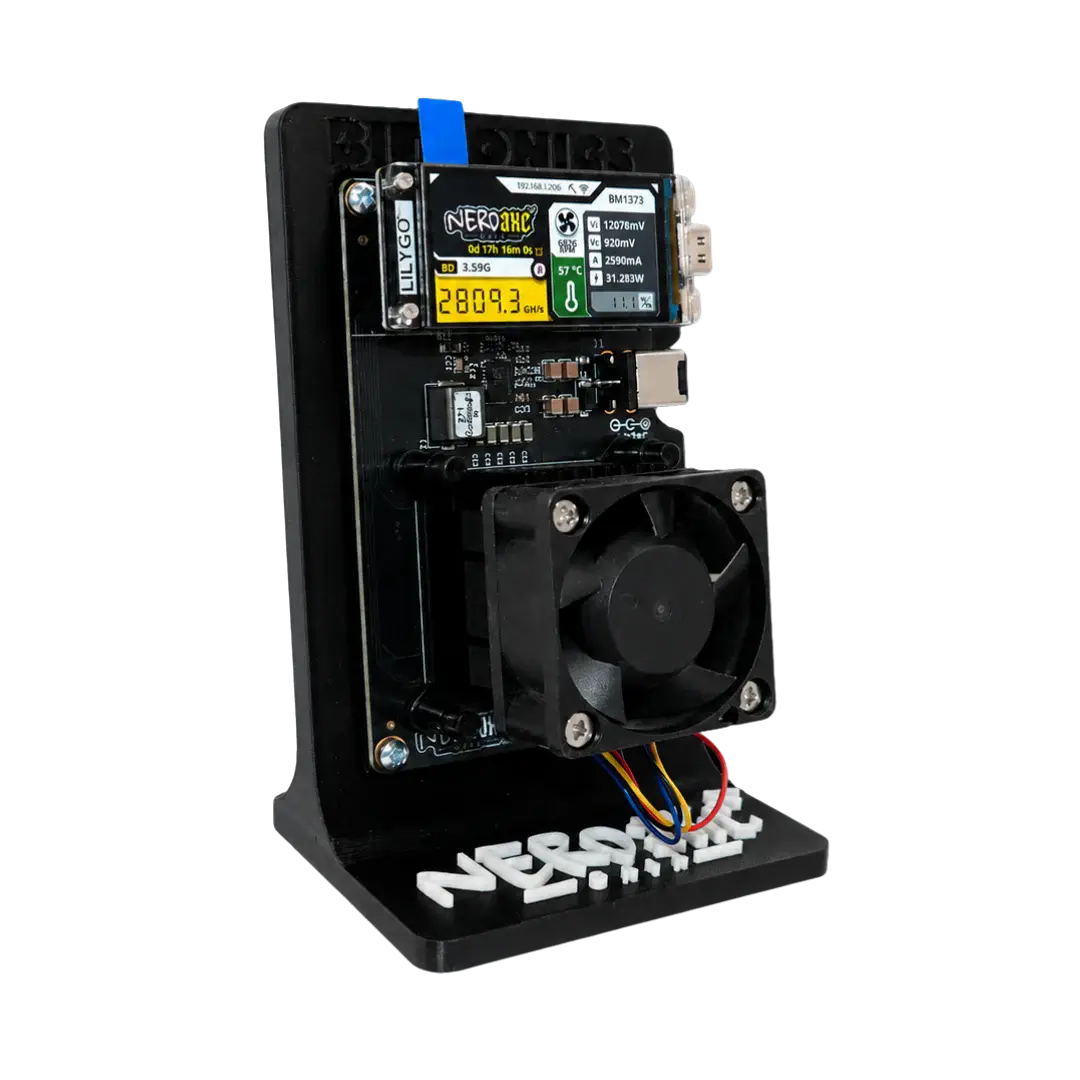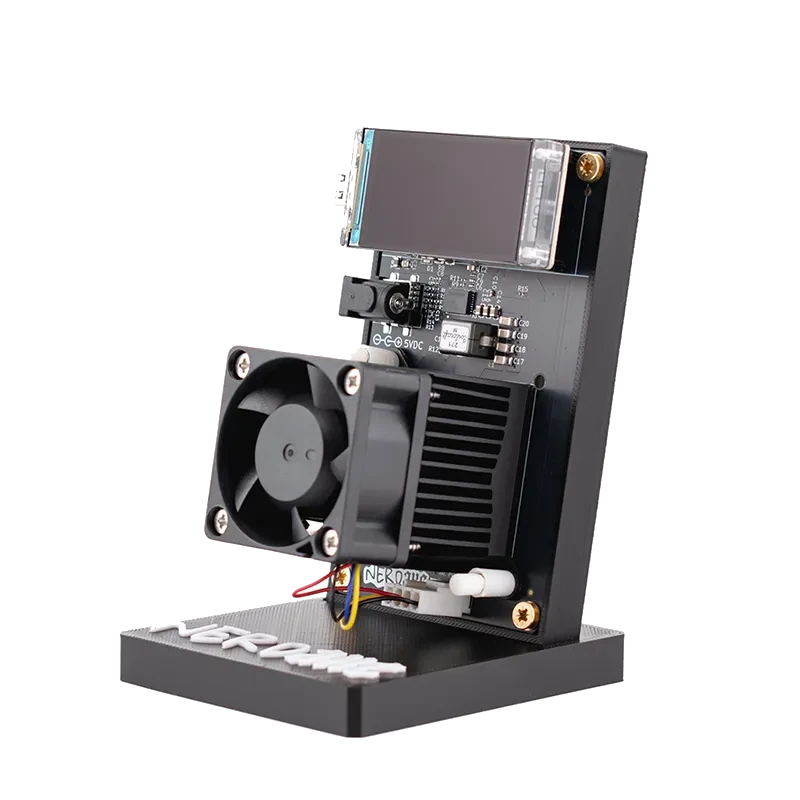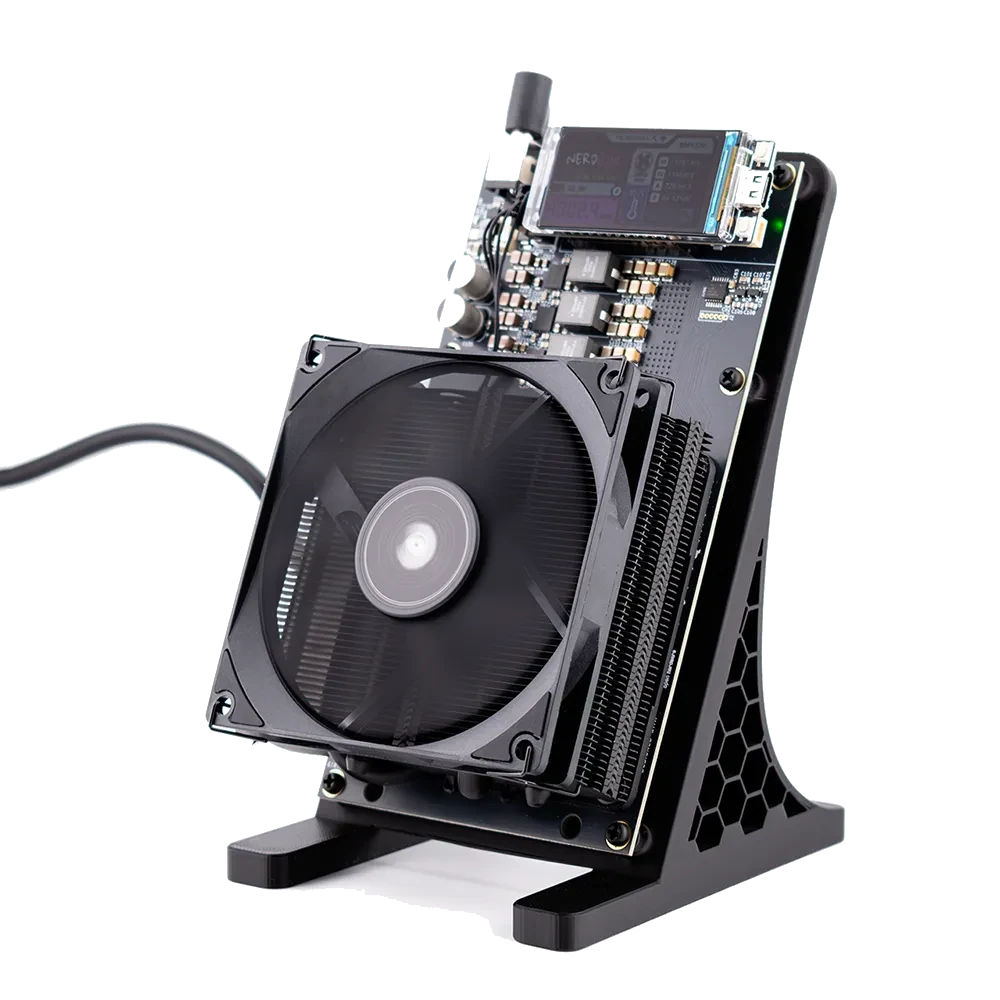
NerdQAxe++ versus NerdQAxe+: one plus sign apart
Every Nerd firmware release ships a separate file per board. Yours are esp-miner-factory-NerdQAxe++-…bin for a factory install, plus esp-miner-NerdQAxe++.bin and www.bin for an update. Right next to them sit the files for the NerdQAxe+, an older sibling with four BM1368 chips, and the names differ by a single plus sign.
You do not have to watch for that. During detection the flasher reads the model name built into the running firmware. It refuses an update with another board’s file and asks before a factory install that does not match.
Your tuning survives the update
NerdOS keeps frequency, core voltage, fan control, pool and Wi-Fi in NVS, a separate area of the flash. The update only writes the app at address 0x10000 and the web interface at 0x410000, so whatever you configured is still there and the NerdQaxe ++ resumes hashing after the restart.
A factory install resets everything to the image’s values. With OSM-OS that means 600 MHz at 1150 mV, or 1200 mV on revision 7 boards with the TPS546 voltage regulator, plus hostname OSM-Miner, pool.bitaxe.de as pool with pool.opensourceminers.de as fallback, and a preset Bitcoin address that you replace with your own.
No cable: update inside NerdOS
Once your NerdQaxe ++ is on Wi-Fi, its web interface can update it too. Settings holds the update area; with OSM-OS you can choose between the OSM channel and the official NerdOS releases there, each with a One Click Update. You can also upload esp-miner-NerdQAxe++.bin and then www.bin by hand. Open the flasher on a phone or in Safari and it offers exactly those two files as downloads.