Open Source Miners Flasher

Firmware flasherNerdOctaxe and Hydro

NerdOctaxe firmware update in the browser

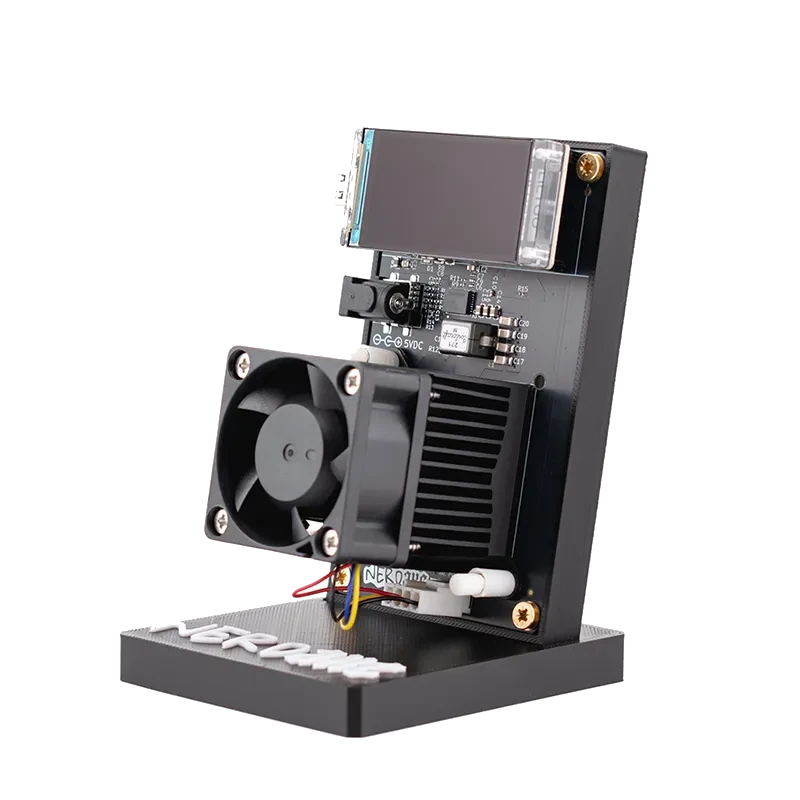
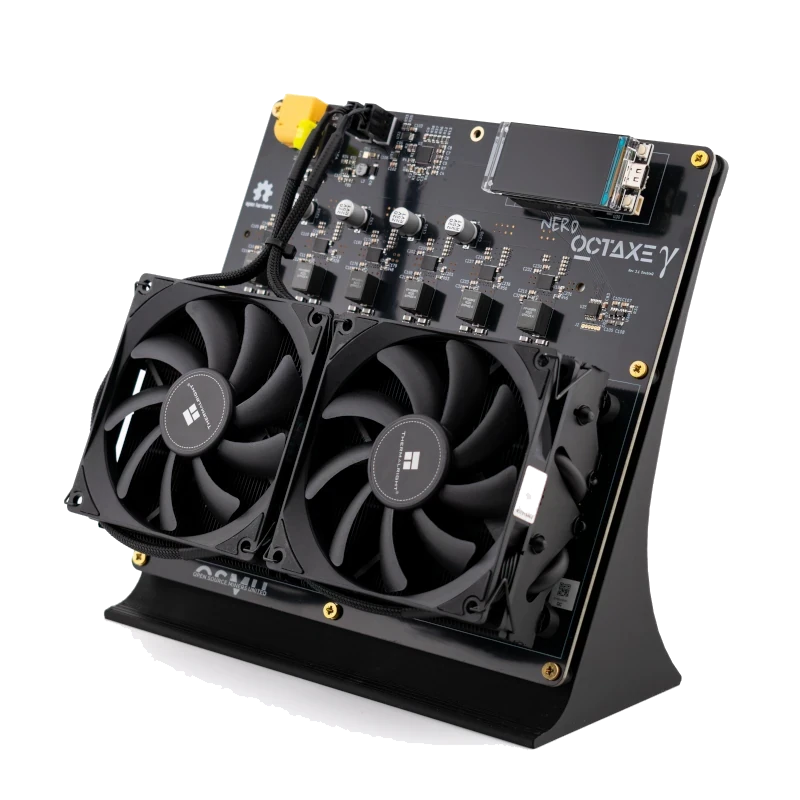
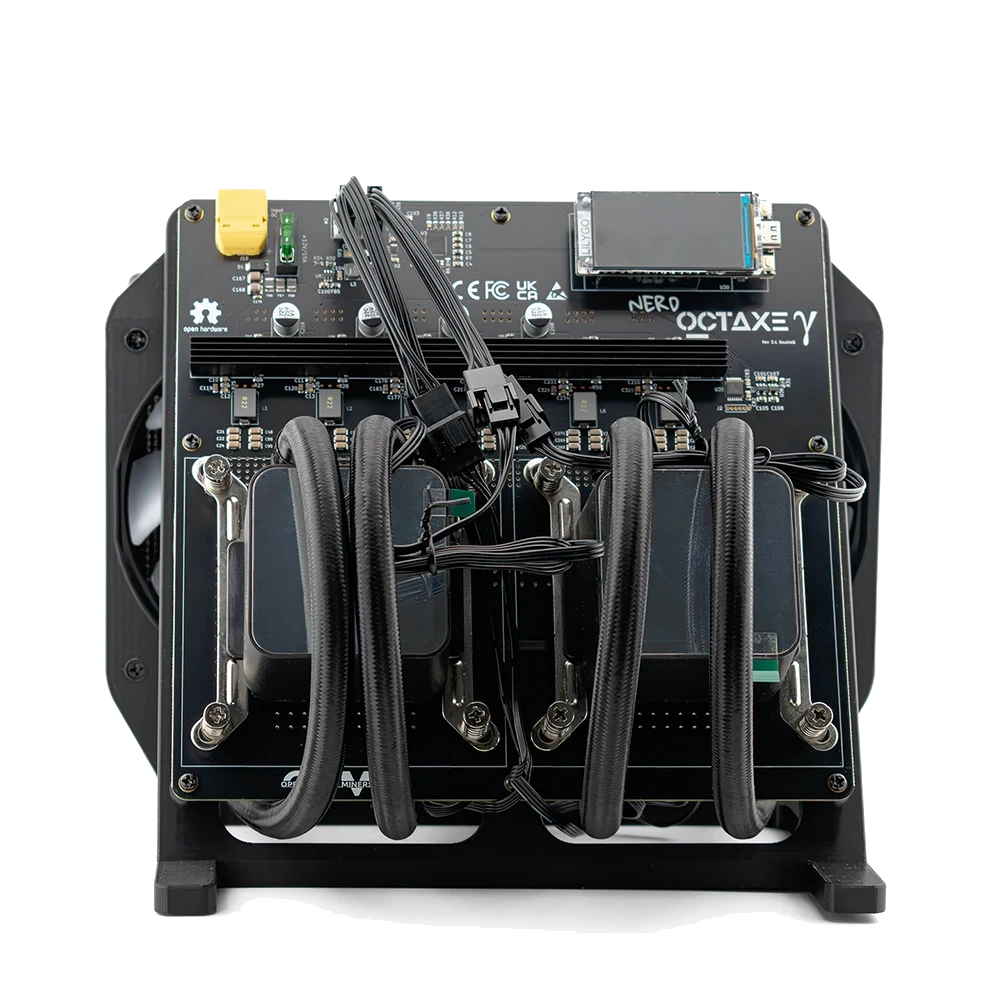
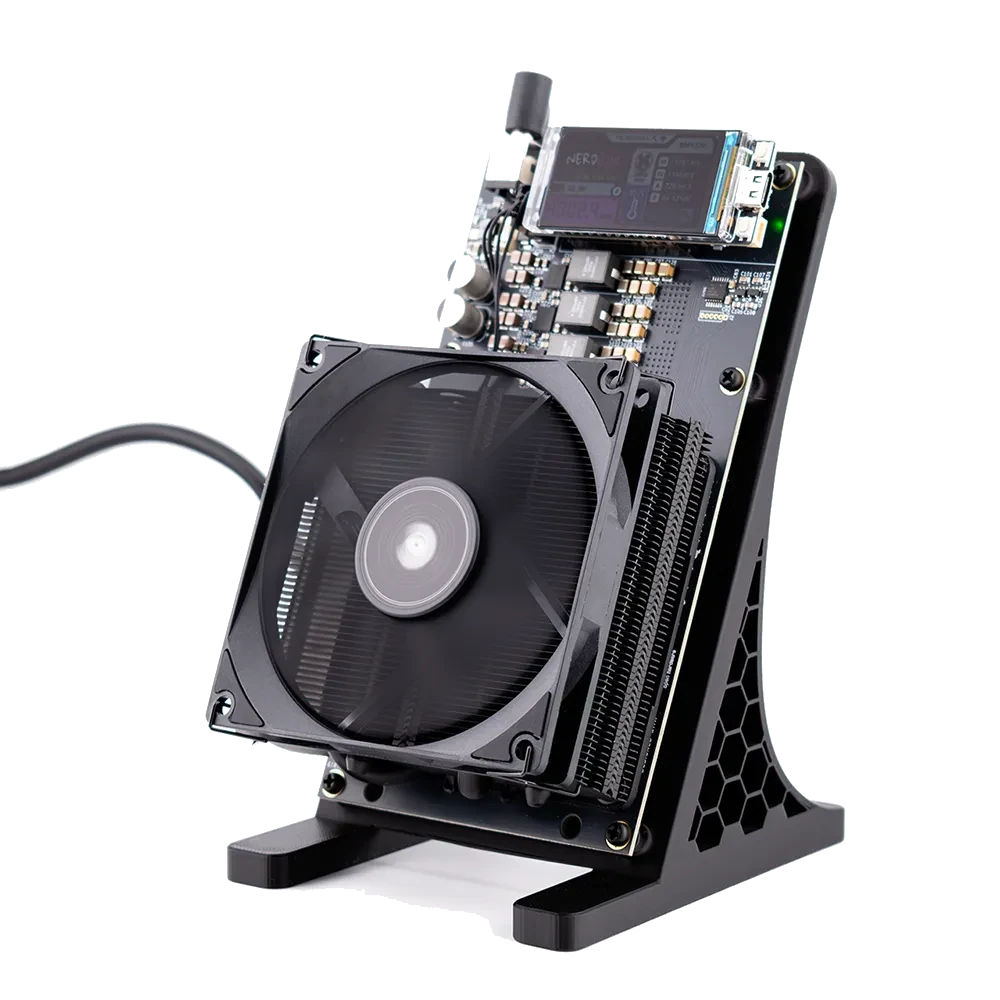
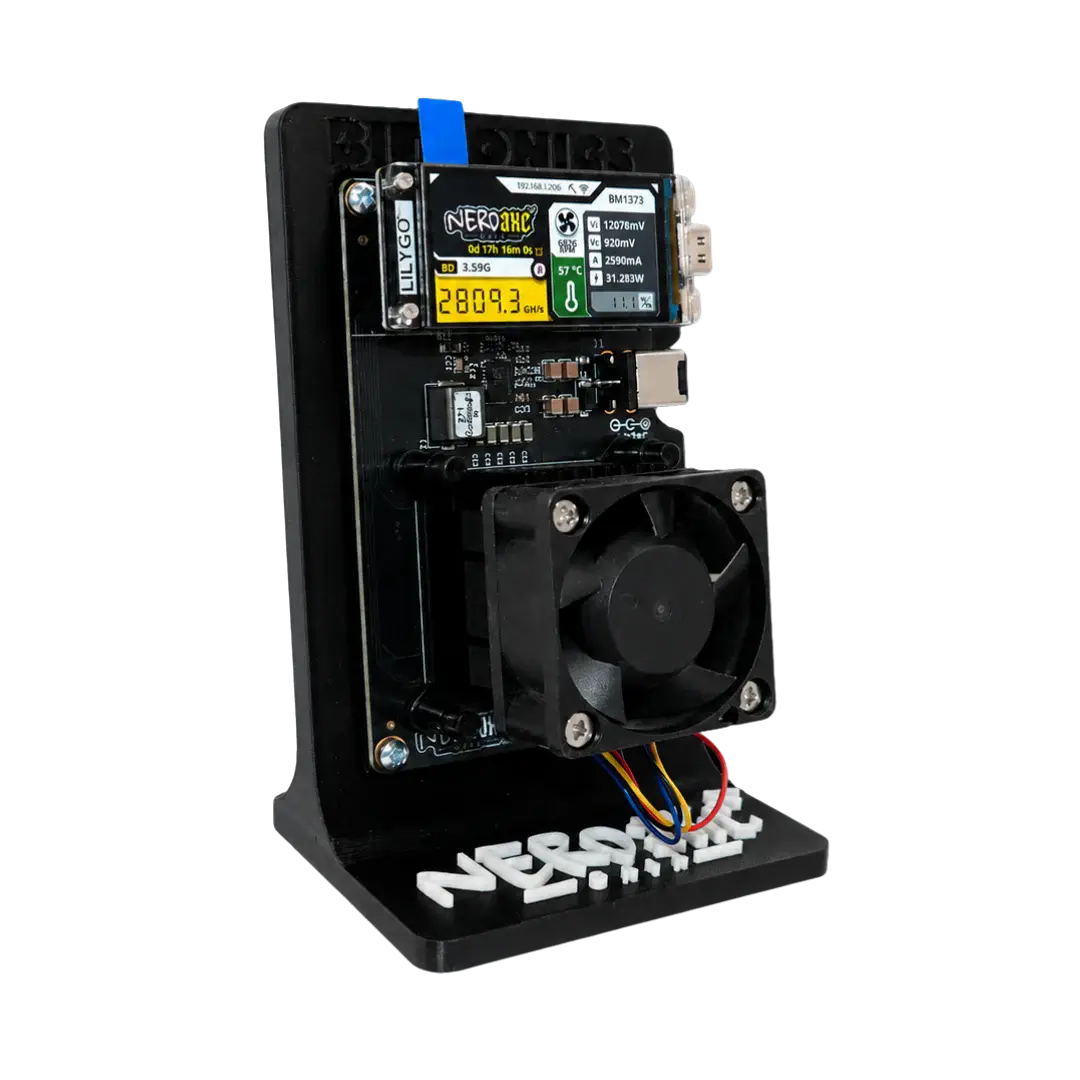
The NerdOctaxe and the NerdOctaxe Hydro each carry eight BM1370 chips and share one firmware. Air or water cooled, you pick your device, and the flasher writes the file for the NerdOCTAXE-γ board after checking it against the GitHub release.

  • Chips: 8× BM1370
  • Hashrate: about 12 TH/s, Hydro about 14 TH/s
  • Firmware: NerdOS
  • File: NerdOCTAXE-Gamma
NerdOctaxe
NerdOctaxe Hydro

Install firmware

Three choices, then the flasher writes. What usually fits is preselected.

Which miner is on the cable?

Tap your device or let the flasher look it up.

Detect automatically

Keep the power supply connected and run a USB-C cable with data lines from the miner straight to the computer. Detection only looks: which device, which board, which firmware, which Wi-Fi.

Nerd family NerdOS, firmware built per board

Bitaxe AxeOS, one firmware for all boards

Fetching versions from GitHub …

Board not listed? All factory images

This list holds every board from the releases, including ones we do not sell (such as NerdQAxe+, NerdQX or Bitaxe Ultra). The flasher always writes an image from this list as a full factory install. Pick from it only when you are certain of your board name.

Firmware and version

Both channels come from GitHub releases. The newest stable version is preselected.

OSM-OS is our build of ESP-Miner (Bitaxe) and ESP-Miner-NerdQAxePlus (Nerd family). What changes are defaults: hostname OSM-Miner, pool pool.bitaxe.de with pool.opensourceminers.de as the fallback, a preset Bitcoin address (replace it with your own after a factory install), and the clock of some boards. On top there is an OSM-OS update channel in the web interface. The source code is public on GitHub.

Files only pass through our server, nothing is altered. Before writing, the flasher compares every file by SHA-256 with the value in the GitHub release; files without a checksum are never offered.

Update or factory install?

For a miner that runs, the update is almost always enough.

No miner selected yet Tap your miner above, or connect it and press Detect over USB.

One file for air and water

The Hydro uses the NerdOctaxe board and cools it with water, so the releases contain a single file for both: esp-miner-factory-NerdOCTAXE-Gamma-…bin for a factory install, esp-miner-NerdOCTAXE-Gamma.bin and www.bin for an update. Inside NerdOS the board reports itself as NerdOCTAXE-γ.

The name to watch out for is NerdOCTAXE+, a different board with its own file in the same release. The flasher tells them apart by the model name in the running firmware and blocks an update with the wrong one.

Clock and voltage

Out of the box the firmware sets clock and voltage to suit the voltage regulator on the board. Boards with the six-phase TPS53667 start at 700 MHz and 1210 mV. If you changed those values, they sit in NVS and survive an update; a factory install resets them.

No cable: update inside NerdOS

The web interface works as well: open Settings, pick the channel in the update area and start the One Click Update, or upload esp-miner-NerdOCTAXE-Gamma.bin followed by www.bin. If your browser has no Web Serial, the flasher offers both files as downloads.
No Chrome on a computer? Update through the web interface

Phones, tablets, Safari and Firefox have no Web Serial. You can still update, through the miner’s web interface on the same Wi-Fi, and the settings stay in place.

Bitaxe with OSM-OS

One-click update

From OSM-OS v2.15.3 the Update page in AxeOS finds the newest OSM-OS version by itself: tap Check, then Install. The version list comes from GitHub, the file through this flasher.

Nerd devices with OSM-OS

Update from Settings

NerdOS has an update area under Settings with the OSM channel, the official releases and a One Click Update. The miner downloads the file from GitHub on its own.

Any firmware

Upload the files

Pick your miner above. In a browser without Web Serial the flasher shows download buttons for exactly the files your device needs: esp-miner.bin for a Bitaxe, the board’s own app file plus www.bin for the Nerd family.

The miner’s display shows the address. The link stays inside your own network; our server never sees it.

Questions about this device

Does the NerdOctaxe Hydro need its own firmware?

No, the Hydro and the NerdOctaxe use the same NerdOCTAXE-Gamma file. Still pick your own device’s tile in the flasher so the picture, shop link and accessories match the Hydro.

How do NerdOCTAXE-Gamma and NerdOCTAXE+ differ?

They are two different boards, each with its own firmware. The NerdOctaxe from our shop needs NerdOCTAXE-Gamma, and the flasher will not run an update with the NerdOCTAXE+ file.

Can I update the NerdOctaxe without a USB cable?

Yes, in NerdOS under Settings in the update area. OSM-OS adds a One Click Update there; otherwise upload the app file and www.bin by hand.