Open Source Miners Flasher

Firmware flasherNerdaxe Gamma

Nerdaxe Gamma firmware update in the browser

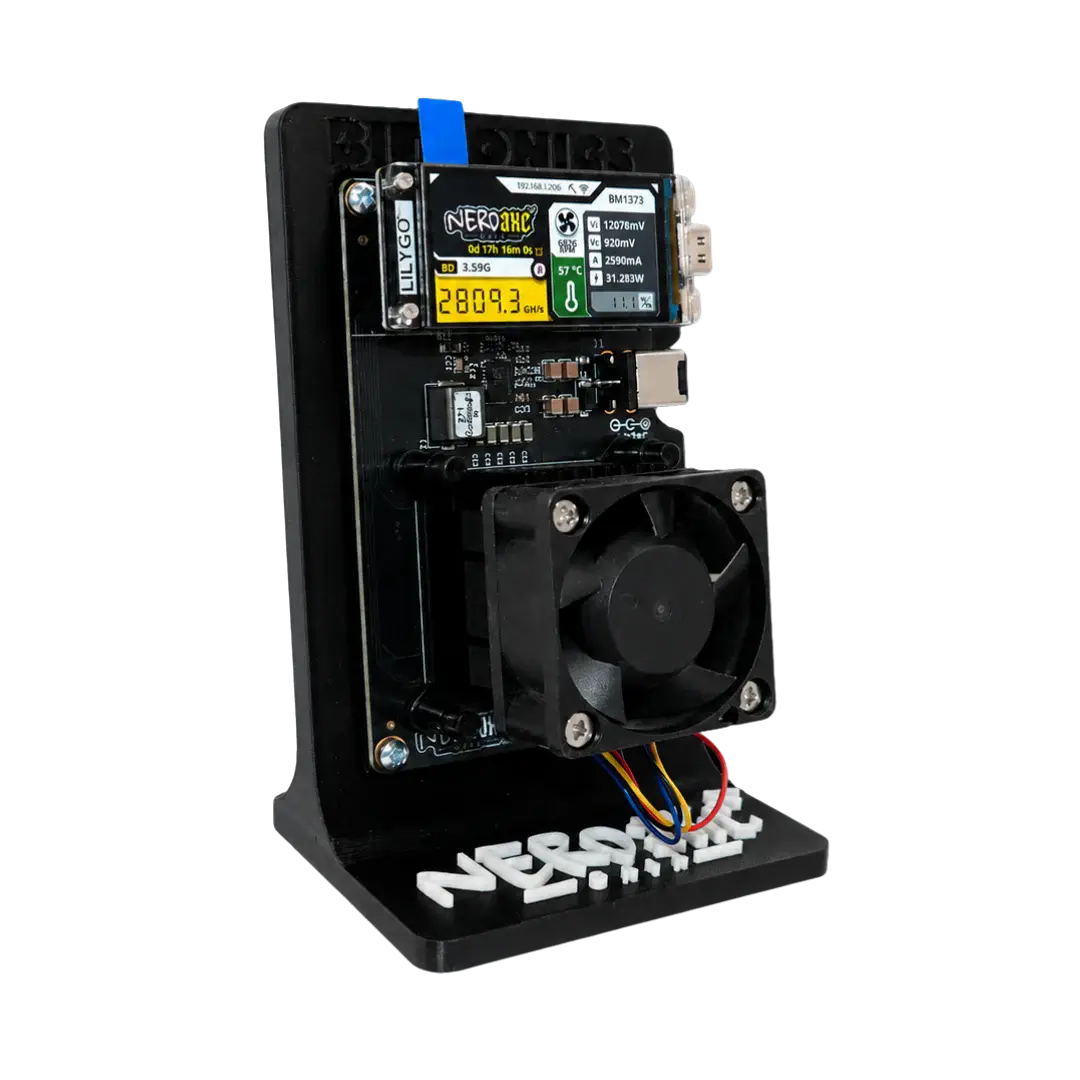
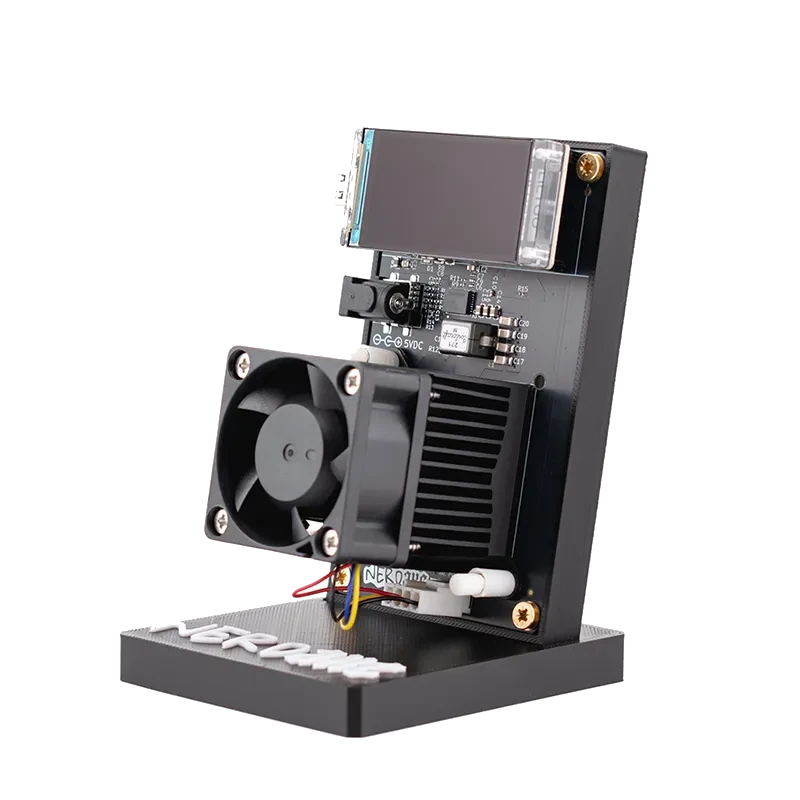
The Nerdaxe Gamma has one BM1370 and shows its stats on a 1.9 inch display. Its firmware is NerdOS. This page brings it to a new version over USB, with OSM-OS or the original by shufps.

  • Chip: BM1370
  • Hashrate: about 1.3 TH/s
  • Firmware: NerdOS
  • File: NerdAxeGamma
Nerdaxe Gamma

Install firmware

Three choices, then the flasher writes. What usually fits is preselected.

Which miner is on the cable?

Tap your device or let the flasher look it up.

Detect automatically

Keep the power supply connected and run a USB-C cable with data lines from the miner straight to the computer. Detection only looks: which device, which board, which firmware, which Wi-Fi.

Nerd family NerdOS, firmware built per board

Bitaxe AxeOS, one firmware for all boards

Fetching versions from GitHub …

Board not listed? All factory images

This list holds every board from the releases, including ones we do not sell (such as NerdQAxe+, NerdQX or Bitaxe Ultra). The flasher always writes an image from this list as a full factory install. Pick from it only when you are certain of your board name.

Firmware and version

Both channels come from GitHub releases. The newest stable version is preselected.

OSM-OS is our build of ESP-Miner (Bitaxe) and ESP-Miner-NerdQAxePlus (Nerd family). What changes are defaults: hostname OSM-Miner, pool pool.bitaxe.de with pool.opensourceminers.de as the fallback, a preset Bitcoin address (replace it with your own after a factory install), and the clock of some boards. On top there is an OSM-OS update channel in the web interface. The source code is public on GitHub.

Files only pass through our server, nothing is altered. Before writing, the flasher compares every file by SHA-256 with the value in the GitHub release; files without a checksum are never offered.

Update or factory install?

For a miner that runs, the update is almost always enough.

No miner selected yet Tap your miner above, or connect it and press Detect over USB.

Nerdaxe Gamma and Bitaxe Gamma: same chip, different firmware

Both devices hash with the BM1370. Still, the Nerdaxe Gamma runs NerdOS and the Bitaxe Gamma runs AxeOS, and their files are not interchangeable. Over the cable the flasher sees which family is connected and blocks an update across that line.

NerdHaxe-Gamma sounds similar too. It is a separate board with its own file; your miner needs NerdAxeGamma.

What OSM-OS presets on the Gamma

With OSM-OS the Nerdaxe Gamma starts at 650 MHz and 1150 mV. Hostname, pool and fallback pool are set the same way as on every OSM-OS device. These values only apply after a factory install; an update keeps whatever you configured.

Better cooling

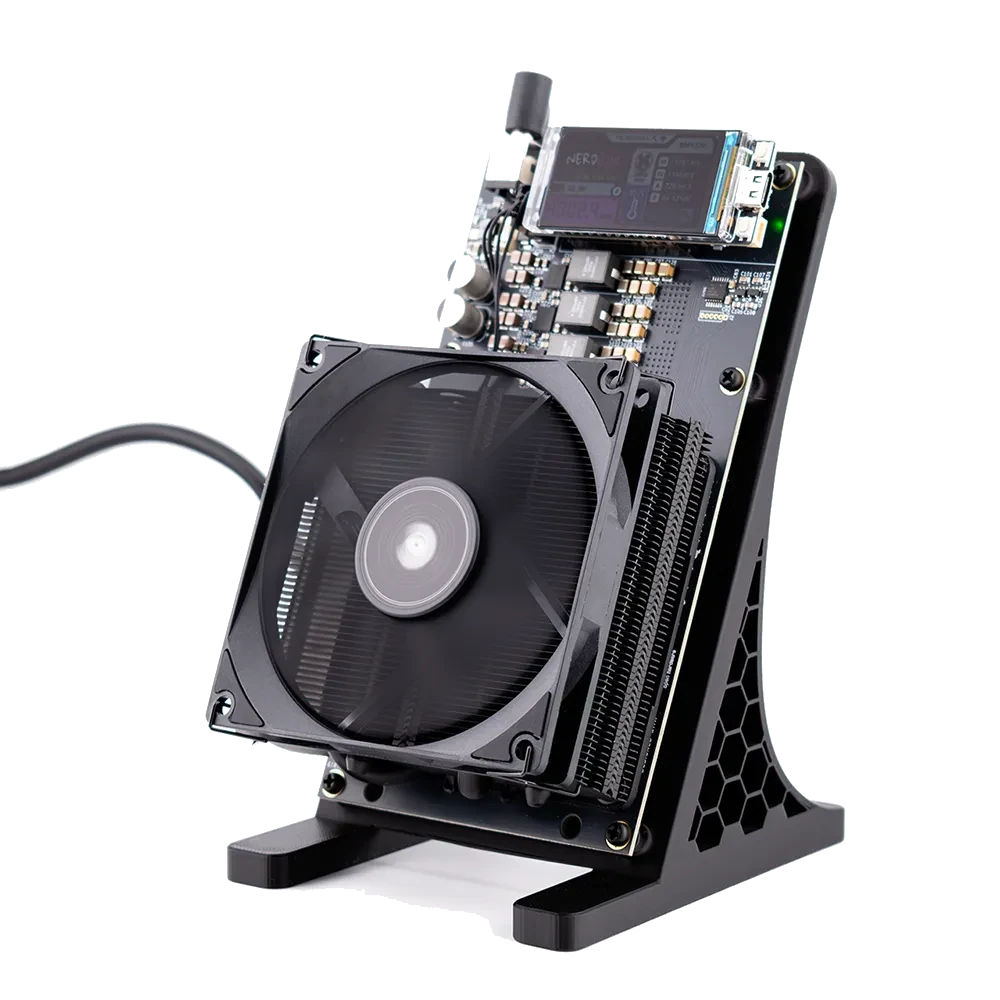
For more thermal headroom the Nerdaxe Gamma takes the ICE Tower Low Profile Kit. According to our catalog the AXP60 Copper Pro copper cooler fits the Gaia, not the Gamma.
Matching accessories

No Chrome on a computer? Update through the web interface

Phones, tablets, Safari and Firefox have no Web Serial. You can still update, through the miner’s web interface on the same Wi-Fi, and the settings stay in place.

Bitaxe with OSM-OS

One-click update

From OSM-OS v2.15.3 the Update page in AxeOS finds the newest OSM-OS version by itself: tap Check, then Install. The version list comes from GitHub, the file through this flasher.

Nerd devices with OSM-OS

Update from Settings

NerdOS has an update area under Settings with the OSM channel, the official releases and a One Click Update. The miner downloads the file from GitHub on its own.

Any firmware

Upload the files

Pick your miner above. In a browser without Web Serial the flasher shows download buttons for exactly the files your device needs: esp-miner.bin for a Bitaxe, the board’s own app file plus www.bin for the Nerd family.

The miner’s display shows the address. The link stays inside your own network; our server never sees it.

Questions about this device

Which file is right for the Nerdaxe Gamma?

For an update, esp-miner-NerdAxeGamma.bin and www.bin; for a factory install, esp-miner-factory-NerdAxeGamma with the version number. NerdHaxe-Gamma files belong to a different device.

Can I put Bitaxe AxeOS on the Nerdaxe Gamma?

No. The hardware differs, the display among other things, and AxeOS is built for the Bitaxe boards. The Nerdaxe Gamma needs NerdOS, either as OSM-OS or as the original.

What is the Gamma’s Wi-Fi called after a factory install?

Nerdaxe_ followed by four characters from the MAC address, for example Nerdaxe_3F2A. After a factory install through the flasher, the success page shows the exact name.